 sift
Free up GBs in minutes.
Sift sorts your photos with a swipe, finds duplicates and heavy videos, and shows the space you really get back. Without tricks.
- No account
- No ads
- Nothing leaves your iPhone
Three steps, then you are done
No quiz and no sign-up. Your first real number shows up seconds after you open the app.
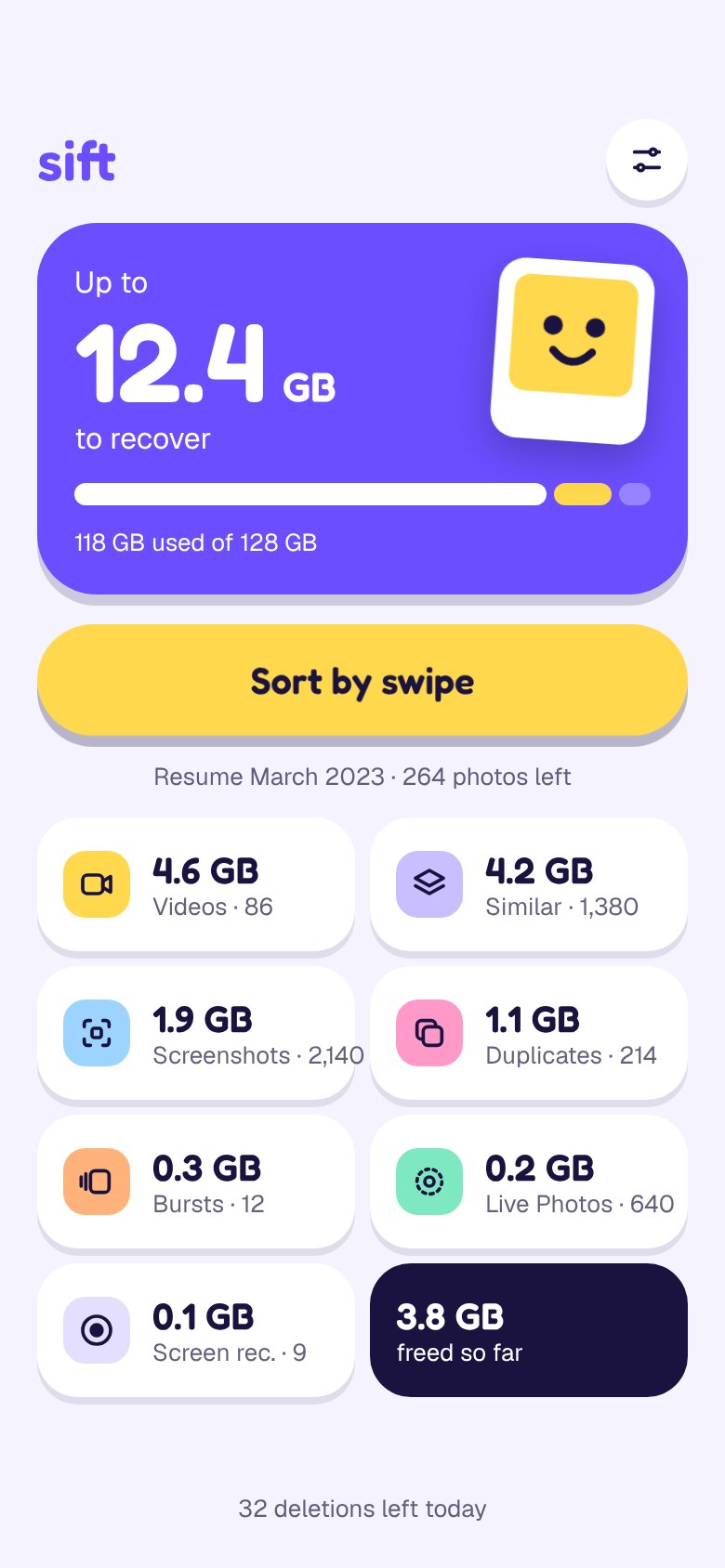
Scan
Sift reads your library on your iPhone and shows what takes up space, in real numbers.
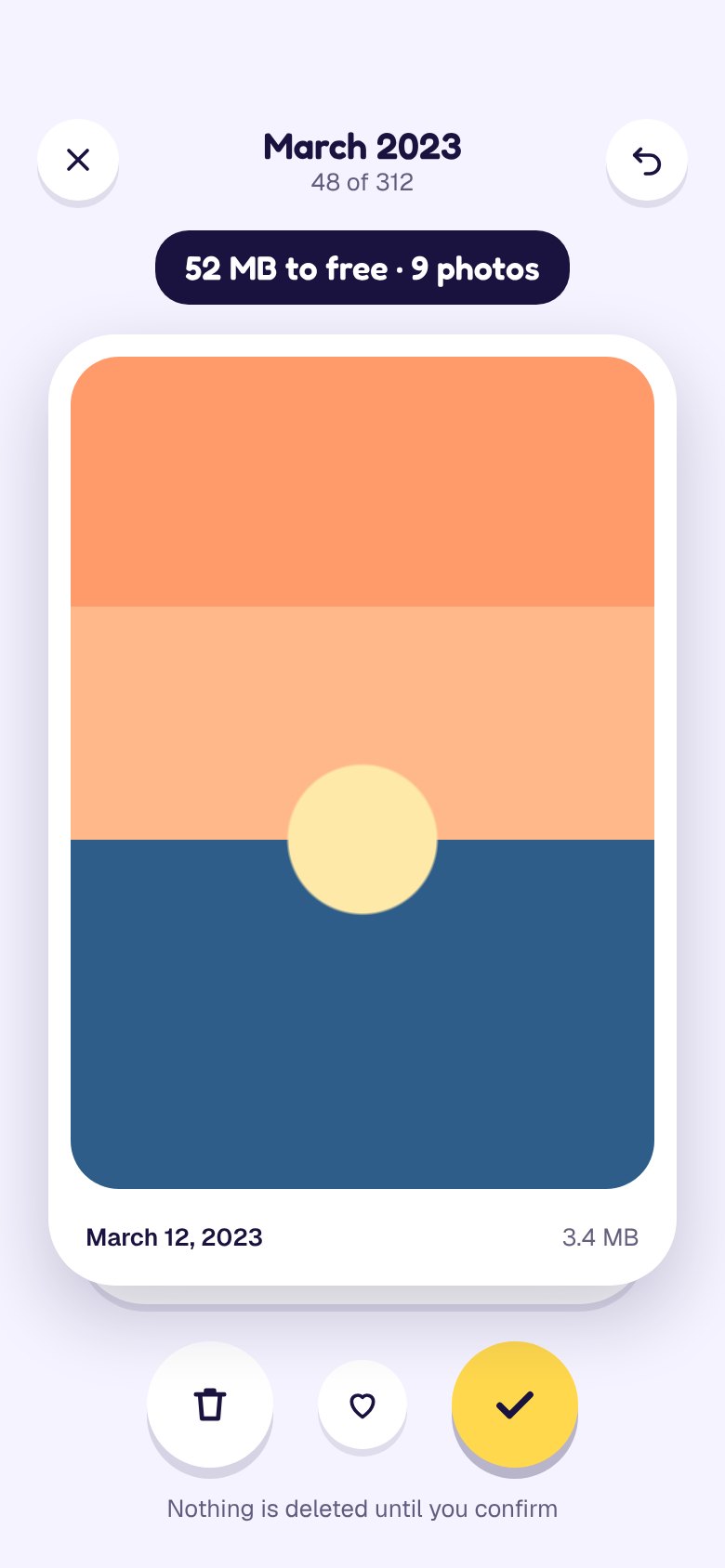
Swipe
Right to keep, left to delete, up to favorite. One photo at a time, month by month.
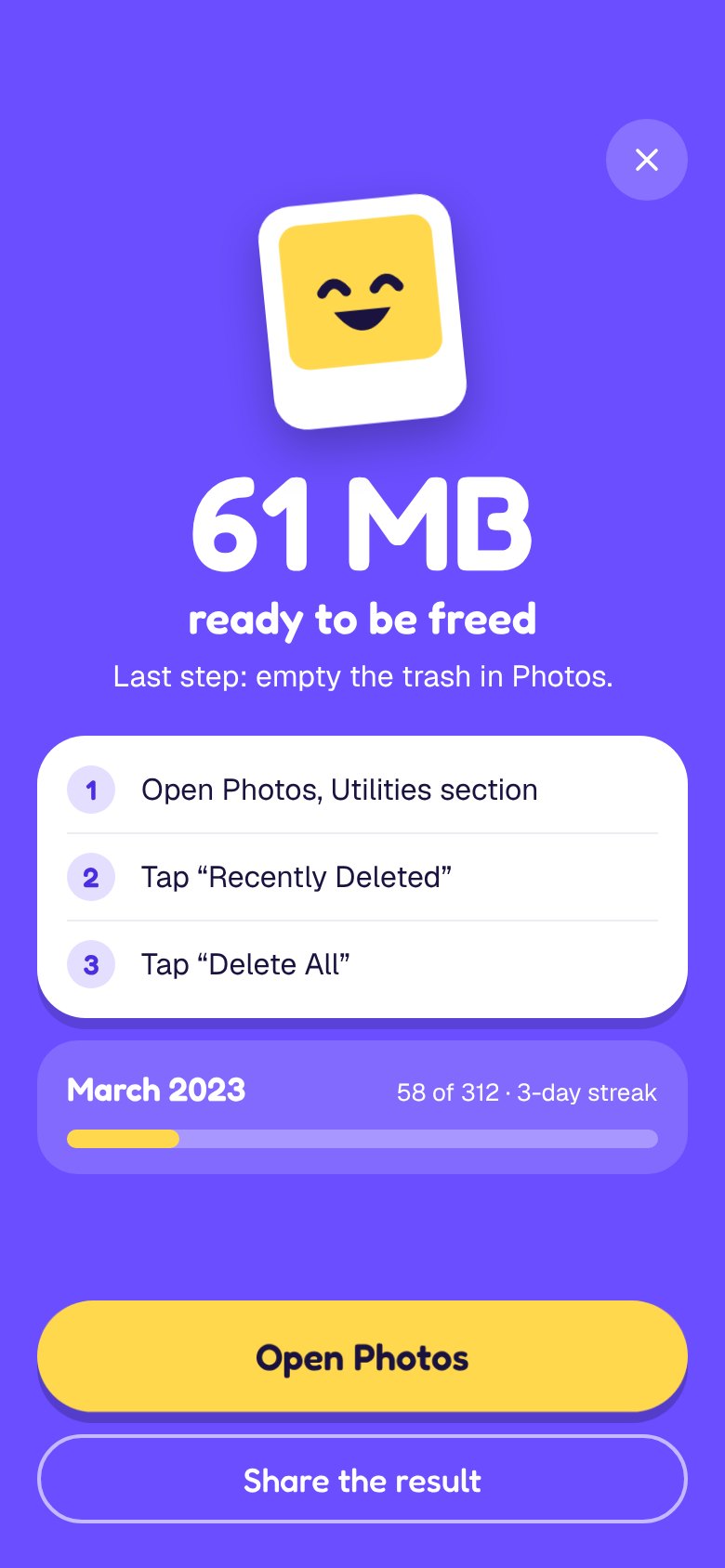
Free up
You confirm, then Sift walks you through the last step and shows what you actually got back.
What Sift finds
Seven kinds of clutter, each with its real size.
Honest by design
Most cleaners make their money on a weekly subscription people forget. Sift does not.
Your photos are analysed on your iPhone and never leave it. Sift works in airplane mode.
Deleted items go to Recently Deleted. Nothing is removed without your confirmation.
With the automatic tools. Swipe sorting stays unlimited and free.
No countdown, no fake discount, and an offer screen you can close right away.
Two prices. That is it.
Start free. Upgrade only if you want to go faster.
- Full scan and results
- Unlimited swipe sorting
- 50 deletions a day with the automatic tools
- No ads
- Unlimited deletions
- “Clean all” in one tap
- Cancel anytime in Settings
- Everything in Premium
- Pay once, keep it
- Family Sharing included
Prices in US dollars. They may vary by country and are always shown in the app before you buy.
Questions
Does Sift upload my photos?
No. The analysis runs on your iPhone. Sift has no account, no server and no analytics, and it makes no network request.
Why has my storage not changed after deleting?
Deleted photos stay 30 days in Recently Deleted, inside the Photos app. Empty that album to get the space back. Sift shows you how at the end of each session.
How do I cancel the yearly subscription?
Open the Settings app, tap your name, then Subscriptions, then Sift, then Cancel Subscription. You keep Premium until the end of the paid period.
Is there a weekly subscription?
No. There is a yearly subscription and a one-time lifetime purchase. Nothing else.
What does Sift not do?
It does not boost memory, clean caches or scan for viruses. It does one job: help you sort your library and free up space.
Ready when your storage is full
Sift is on its way to the App Store.